A page your customers recognise
Add your business name, logo, colors, and a short message. Give customers a clear place to start when they scan.
Explore review pages →Turn your Google review link into a branded page and QR code. Give customers a simple way to share their experience, and see the feedback they leave through ClariFlow.
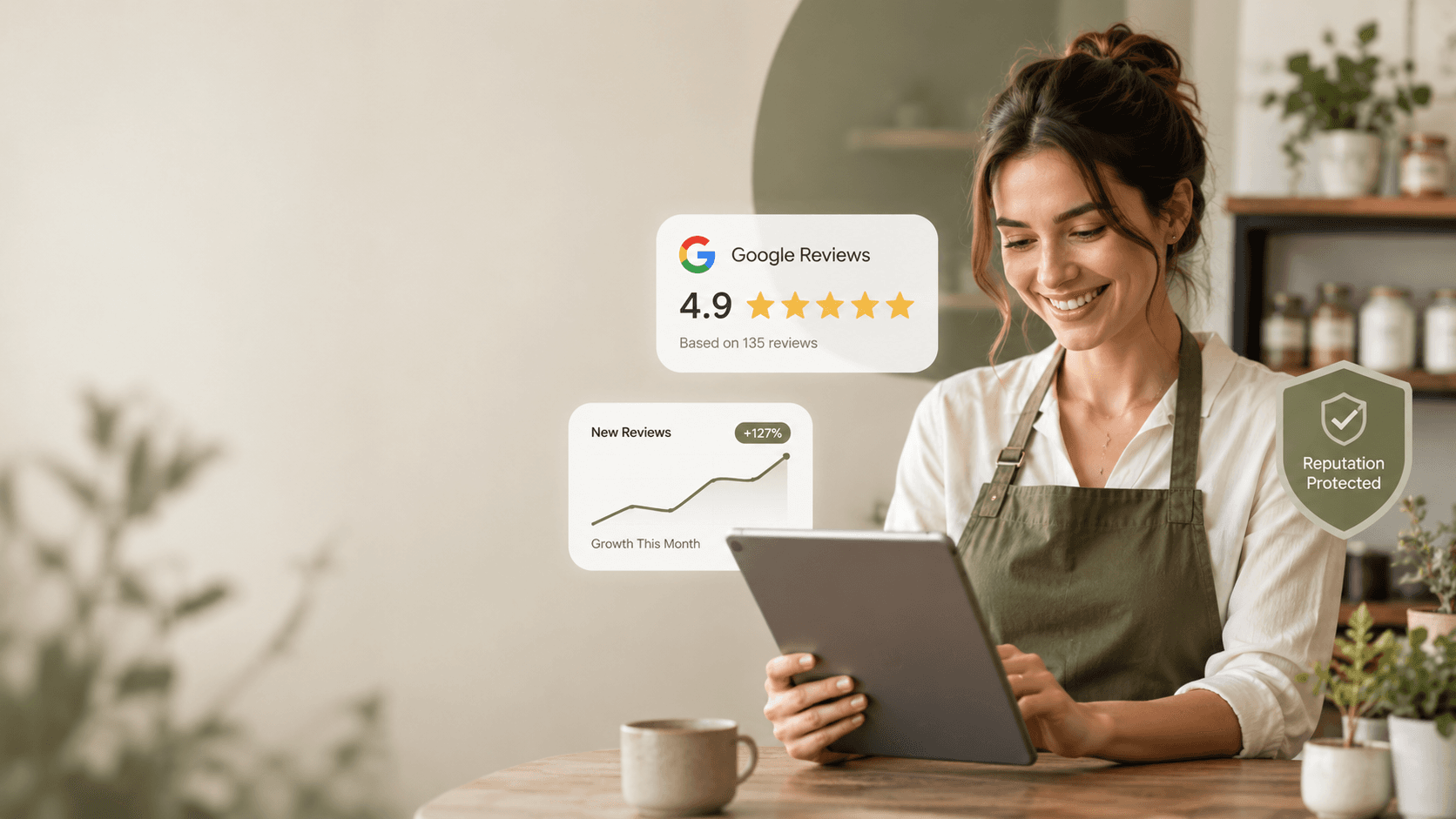
What you get
ClariFlow keeps the request simple for your team and familiar for your customers. Set up the page once, then use it wherever the customer journey ends.
Add your business name, logo, colors, and a short message. Give customers a clear place to start when they scan.
Explore review pages →Put the request on a bill, counter card, appointment card, or service handover. Staff can point to one simple scan.
Explore QR codes →Read ratings and comments submitted through ClariFlow. Notice what customers appreciate and what needs attention.
Explore feedback →How ClariFlow works
No complicated setup for staff. Choose a good moment to ask, show customers the code, and learn from the feedback they leave.
Use the link for your existing business profile and set up your branded page.
Download a QR design, test it on a phone, and place it after a completed customer experience.
Check the feedback people leave through ClariFlow and use it to improve the next visit.
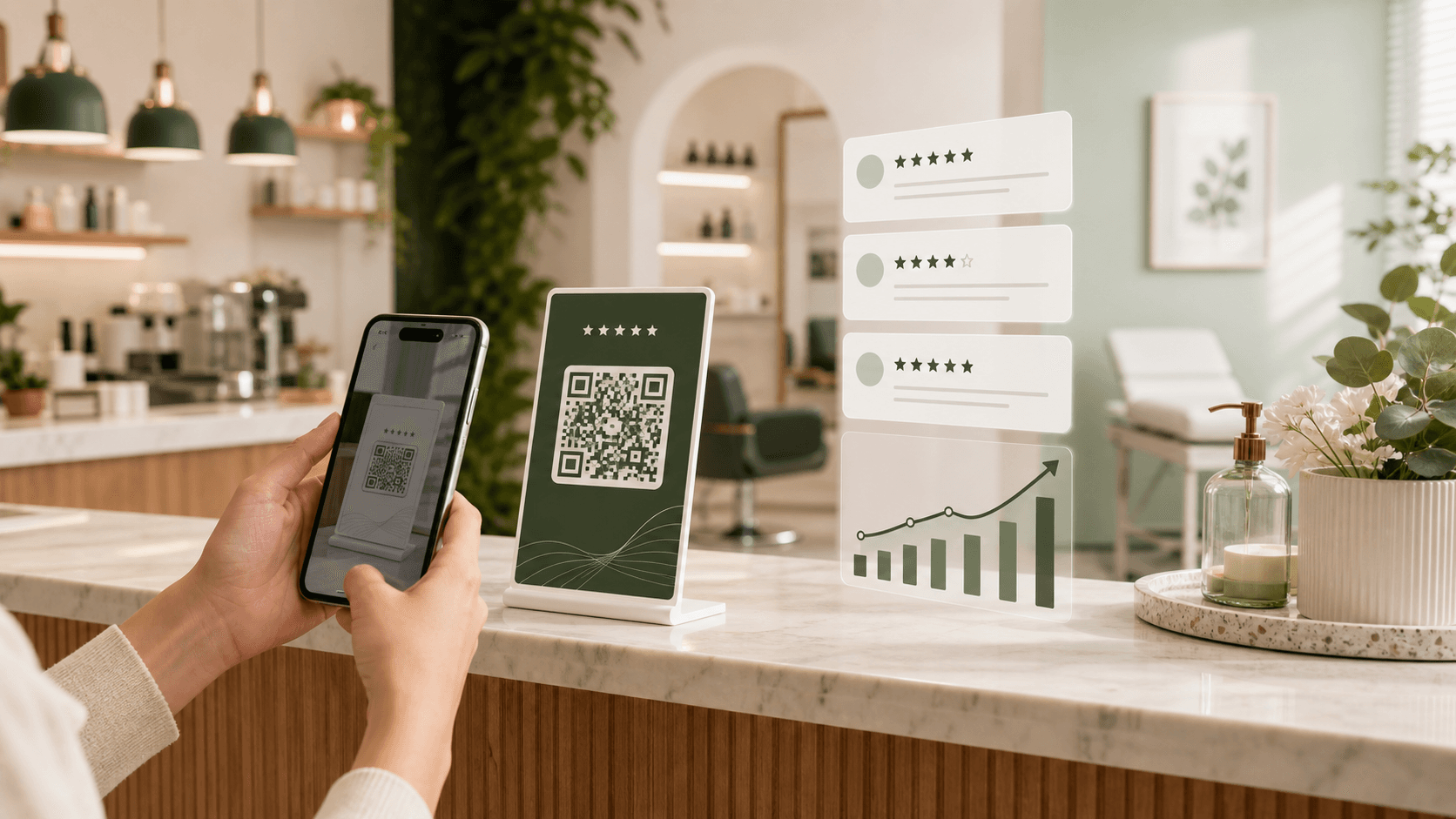
Where to use it
The right place depends on how your business serves customers. A short, visible request works better than a long explanation.
A small counter card is easy to notice when a customer pays or collects an order.
Keep the review link with the details of the visit, purchase, or completed job.
Share the page in a suitable follow-up message when an in-person scan is inconvenient.
Ask when the work is finished and the customer can speak to the whole experience.
Made for local businesses
Use the same simple setup, with wording and placement that fit your customer experience.
Put a review request near the bill, takeaway pickup, or receipt.
See the approach →Invite feedback after the service, when the client has seen the result.
See the approach →Use a calm, neutral request after the visit is complete.
See the approach →Plans
Start with a branded page and QR sharing. Add alerts when you need a closer watch on customer concerns.
The essentials
A branded review page, QR artwork, and a dashboard for customer feedback.
₹699/ month
Feedback alerts
Everything in Basic, plus alerts for customer concerns that need a closer look.
₹699/ month
Questions
ClariFlow helps local businesses create a branded review page, share it by QR code or link, and read customer ratings and comments submitted through that page.
No. Add your existing Google review link when you create your page. ClariFlow does not import or manage reviews from Google.
You can see the ratings and comments customers submit through ClariFlow, along with your review page and QR materials. It does not show every review posted directly on Google.
Use it where a customer has finished the experience: at checkout, on a bill or receipt, on a service card, or in a follow-up message.
Basic covers the branded review page, QR sharing, and feedback dashboard. Shield adds detection and email alerts for feedback that may need the owner's attention. Check the pricing page for current plan details.
No. ClariFlow makes the request easier to share, but customers choose whether to review you. There are no promises about review numbers, ratings, or search rankings.
Ready to make the ask easier?